
🖼️ Hybrid Image Upscaler
Upscale your images with Standard (instant) or Enhanced (AI‑like clarity) mode — all in your browser, 100% private.
Drop your image here or click to browse
Supports JPG, PNG, WebP, BMP, SVG
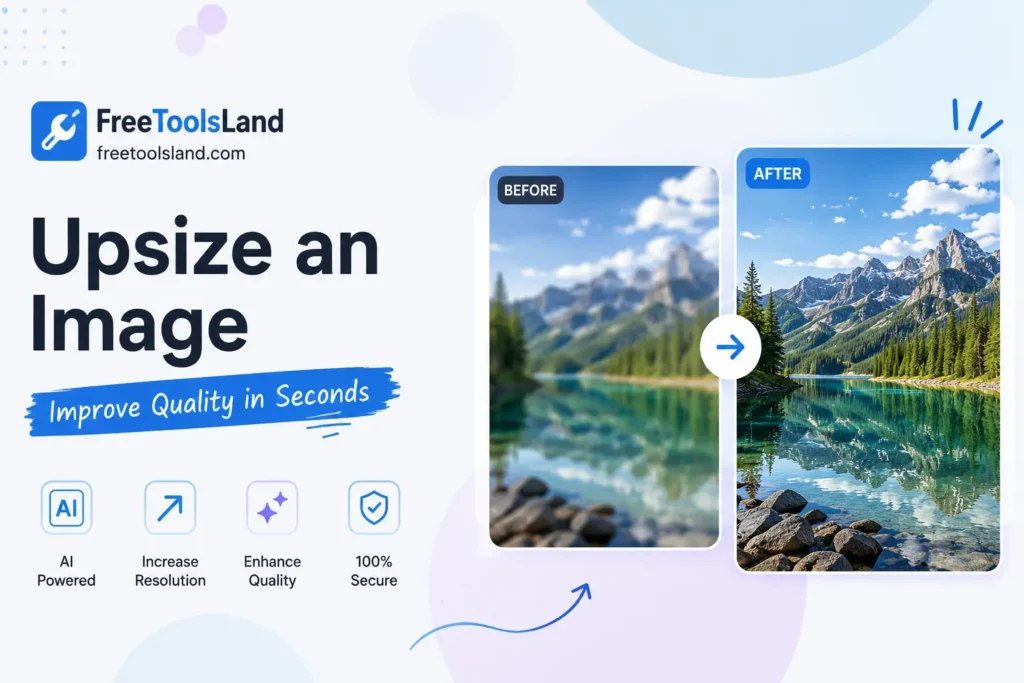
Upsize an Image: Improve Image Quality with AI in Seconds
Need to upsize an image without making it blurry? Modern AI technology makes it possible to increase image resolution, sharpen details, and restore photo quality in just a few clicks.
Table of Contents
Whether you’re preparing images for printing, social media, eCommerce, presentations, or personal memories, an AI photo enhancer can dramatically improve the appearance of your pictures while preserving natural details.
In this guide, you’ll learn how AI image upscaling works, its benefits, best use cases, and how to achieve the best possible results.
What Does It Mean to Upsize an Image?
To upsize an image means increasing its dimensions or resolution while maintaining—or even improving—its visual quality.
Traditional image resizing simply stretches pixels, often producing blurry or pixelated results. AI-powered tools are different. They intelligently analyze the image and generate new details that make enlarged photos appear sharper and more natural.
What Is AI Image Upscaling?
Upscale image technology uses artificial intelligence and deep learning models to enlarge images while preserving fine details.
Instead of copying existing pixels, AI predicts textures, edges, and patterns to create a higher-resolution version of the original image.
This process helps restore clarity and makes images suitable for larger displays, printing, and professional use.
Why Use an AI Photo Enhancer?
An AI photo enhancer does much more than enlarge an image. It can improve overall image quality by correcting common issues automatically.
Key improvements include:
- Sharpen blurry photos
- Increase image resolution
- Reduce image noise
- Improve facial details
- Enhance colors and contrast
- Restore old photographs
- Remove compression artifacts
- Improve text readability
- Make images suitable for printing
Benefits of Using an AI Photo Quality Enhancer
A modern photo quality enhancer offers several advantages over traditional editing software.
Better Image Resolution
AI creates additional detail instead of simply enlarging pixels.
Faster Processing
Most enhancements take only a few seconds.
No Design Skills Required
Anyone can improve images without learning advanced editing software.
Professional Results
AI produces cleaner and more natural-looking images for websites, businesses, and marketing materials.
Saves Time
Manual editing that once took hours can now be completed automatically.
How AI Improves Image Quality
When you upload an image, the AI model performs several intelligent enhancement steps:
- Detects image objects and edges.
- Identifies blurry or noisy areas.
- Predicts missing details.
- Reconstructs textures.
- Enhances colors and lighting.
- Sharpens important regions.
- Generates a higher-resolution version.
The result is a cleaner, sharper, and more detailed image.
Best Use Cases
AI tools can enhance image quality for many purposes.
Social Media
Create high-quality images for Instagram, Facebook, LinkedIn, Pinterest, and X.
E-commerce
Improve product photos to increase customer confidence and conversions.
Photography
Restore old family photographs and enhance travel or portrait images.
Graphic Design
Upscale logos, illustrations, banners, and marketing assets.
Printing
Prepare images for posters, brochures, flyers, and large-format prints.
Real Estate
Enhance property photos to make listings more attractive.
Education
Improve scanned documents, diagrams, and classroom materials.
Features to Look for in an Image Quality Improve Tool
When choosing an AI enhancer, look for features such as:
- AI-powered image upscaling
- Noise reduction
- Face enhancement
- Color correction
- Detail restoration
- Batch processing
- Fast processing speed
- Multiple export formats
- Privacy protection
- High-resolution output
Tips to Get the Best Results
For optimal results:
- Upload the highest-quality original image available.
- Avoid repeatedly enhancing the same image.
- Choose the appropriate upscale level.
- Keep the aspect ratio unchanged when possible.
- Save images in a high-quality format.
- Compare before and after versions.
- Apply sharpening only when necessary.
Common Mistakes to Avoid
Many users accidentally reduce quality by:
- Enlarging low-resolution images too many times.
- Using excessive sharpening.
- Over-saturating colors.
- Saving images repeatedly in low-quality formats.
- Ignoring the original aspect ratio.
Avoiding these mistakes helps maintain professional-looking results.
AI Upscaling vs Traditional Image Resizing
| Feature | Traditional Resize | AI Image Upscaling |
|---|---|---|
| Increases Resolution | Limited | Yes |
| Adds New Details | No | Yes |
| Removes Blur | No | Yes |
| Sharpens Image | Limited | Yes |
| Reduces Noise | No | Yes |
| Restores Old Photos | No | Yes |
| Print Quality | Average | Excellent |
Who Can Benefit?
AI image enhancement is useful for:
- Photographers
- Designers
- Bloggers
- Students
- Businesses
- Online sellers
- Digital marketers
- Social media creators
- Content creators
- Website owners
Frequently Asked Questions
Can AI upsize an image without losing quality?
Yes. AI models generate additional visual details instead of simply stretching existing pixels, resulting in much better quality than traditional resizing.
Is AI image upscaling free?
Many online tools offer free image enhancement with optional premium features for larger files or higher resolutions.
Can AI restore old photographs?
Yes. Most modern AI photo enhancers can remove noise, improve sharpness, and restore faded images.
What image formats are supported?
Most tools support JPG, JPEG, PNG, and WebP. Some also accept TIFF and BMP.
Is my uploaded image secure?
Reputable services protect uploaded files and often delete them automatically after processing. Always review the privacy policy of the tool you use.
Final Thoughts
AI has transformed the way we upsize an image, making it possible to enlarge photos while preserving impressive clarity and detail. Whether you want to upscale image files for professional printing, improve social media visuals, or restore treasured memories, modern AI tools provide fast, reliable, and high-quality results.
If you’re looking for an easy way to image quality improve, an advanced AI photo enhancer or photo quality enhancer can help you enhance image quality in just a few clicks—without requiring professional editing skills.
Start with your original image, let AI do the heavy lifting, and enjoy sharper, clearer, and more vibrant photos in seconds.