
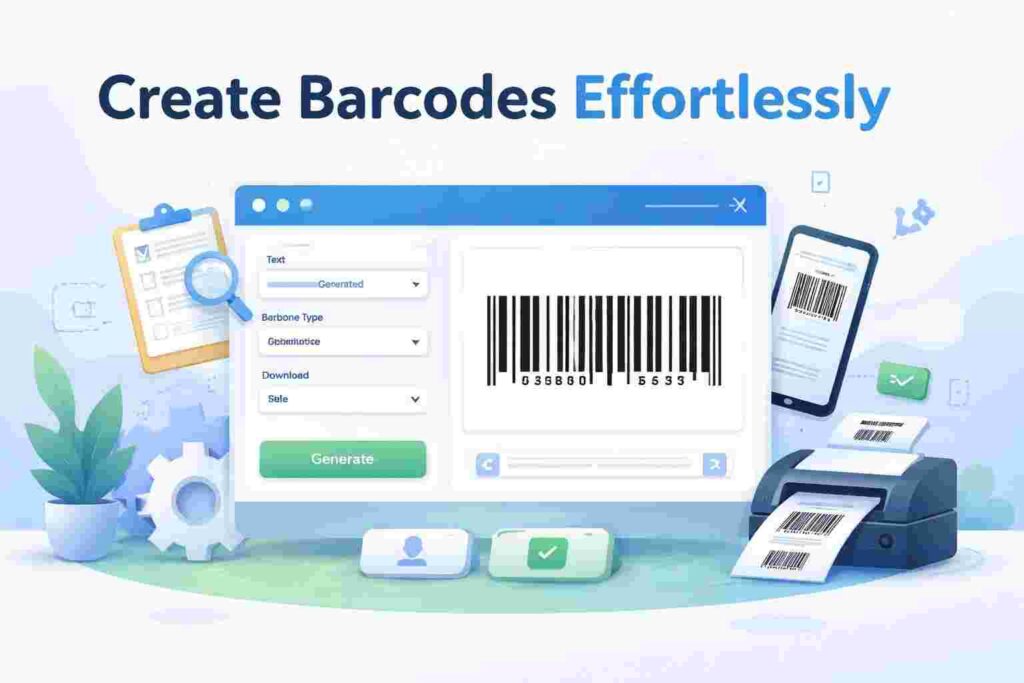
Introduction to Barcode Generation
In today’s fast-paced world, the ability to generate barcode online has become an essential skill for businesses, marketers, and even individuals looking to streamline their operations. A barcode is a machine-readable representation of data that simplifies product identification and inventory management. With the rise of e-commerce and digital inventory systems, understanding how to generate barcode online is more relevant than ever.
Table of Contents
This article outlines five proven ways to create barcodes swiftly and efficiently, allowing you to harness the power of these coded systems without any technical expertise. Whether you’re managing a small business or launching a new product line, these methods cater to your specific needs.
Why Use Barcodes?
Barcodes offer numerous benefits across various industries. They enhance efficiency, reduce human error, and facilitate better inventory management. The advantages of integrating barcodes into your operations include:
- Streamlined inventory tracking
- Reduced manual entry errors
- Improved checkout speeds
- Enhanced data collection capabilities
- Easy integration with existing systems
Different Types of Barcodes
Understanding the various types of barcodes is crucial when selecting the most suitable format for your requirements. Each type serves a different purpose and possesses unique features:
- UPC (Universal Product Code): Widely used in retail for product identification.
- QR Code: Popular for marketing; these can store URLs, text, and more.
- Code 39: Common in manufacturing and logistics; supports alphanumeric characters.
- EAN (European Article Number): Similar to UPC but used internationally.
- Data Matrix: Excellent for small labels; stores a large amount of information in a small space.
How Online Barcode Generators Improve Business Workflows
Modern businesses rely on automation and fast data processing to stay competitive, and barcode technology plays an important role in simplifying daily operations. Instead of manually tracking products or assets, companies can use online barcode generators to create scannable identifiers within seconds. This helps teams organize inventory, manage logistics, and reduce human errors during transactions.
For example, small e-commerce sellers often generate product barcodes to streamline packaging and order management. Retail stores use barcodes for faster billing and better stock visibility, while event organizers create digital barcodes for ticket verification. These real-world use cases demonstrate how online tools turn complex processes into simple workflows without requiring technical expertise.
- Faster checkout and product tracking processes
- Improved accuracy compared to manual labeling
- Easy integration with digital inventory systems
- Better organization for warehouses and retail stores
- Reduced operational delays and errors
Method 1: Using Online Barcode Generators
Online barcode generators provide an easy-to-use platform for creating barcodes without any installations. These tools usually require just a few clicks to generate a barcode. Here are some popular online barcode generators:
- Free Tools Land Barcode Generator
- Barcode Generator by TEC-IT
- QR Code Generator by QRStuff
- BarcodesInc
Online tools remain the most popular method because they require no installation or design knowledge. Users simply enter a number or text, select a barcode format, and download the result instantly. Many creators prefer browser-based tools because they work across devices, allowing teams to generate barcodes from laptops, tablets, or even smartphones.
- Generate barcodes instantly without software downloads
- Export images in PNG, SVG, or JPG formats
- Customize size and resolution for printing
- Suitable for product labeling and digital workflows
Method 2: Mobile Apps for Barcode Generation
Mobile applications have made generating barcodes accessible on-the-go. Various apps are designed for both iOS and Android platforms that allow users to create barcodes efficiently.
- Barcode Generator Pro
- QR Code Reader and Scanner
- Barcode and QR Code Scanner
- Barcoder
Mobile barcode generator apps are useful when working on the move. Delivery staff, warehouse teams, and field workers often rely on smartphone tools to create and scan barcodes in real time. While apps provide convenience, they may have limitations compared to full online generators in terms of customization and bulk processing features.
Method 3: Using Graphic Design Software
If you are familiar with graphic design tools, you can create barcodes using software like Adobe Illustrator or CorelDRAW. These applications allow for customization and integration into various design projects.
- Adobe Illustrator
- CorelDRAW
- Inkscape
- Affinity Designer
Design software is ideal for branding-focused projects where visual consistency matters. Businesses that want to include logos, custom typography, or unique layouts often create barcodes inside design platforms. However, this approach usually requires more time and technical understanding compared to quick online tools.
Method 4: Advantages of Barcode Creation Tools
Utilizing specialized tools for barcode creation offers several advantages:
- High-quality output suitable for printing
- Customization options for dimensions and design
- Quick adjustments to existing designs
- Support for various barcode formats
Modern barcode tools continue to evolve with features that simplify professional workflows. From automated numbering systems to cloud-based storage, these solutions allow teams to maintain consistency across thousands of products. As digital transformation grows, businesses increasingly rely on online tools rather than offline software.
Comparison Table of Barcode Generators
| Tool Name | Cost | Features | Ease of Use |
|---|---|---|---|
| Free Tools Land Generator | Free | Multiple formats, No sign-up required | Very Easy |
| TEC-IT | Free/Paid | Advanced options and API | Simple |
| QRStuff | Free/Paid | Dynamic QR codes, Custom colors | Moderate |
| BarcodesInc | Paid | Advanced applications, Support for complex barcodes | Advanced |
Method 5: Integrating Barcodes into Your Processes
Once you generate barcodes online, the next step is integrating them into your operations. This can involve:
- Printing labels for products
- Embedding QR codes in marketing materials
- Using in inventory management systems
- Integrating into e-commerce platforms
After generating barcodes, the next step is integrating them into daily operations. Companies often embed barcodes into invoices, packaging labels, and digital catalogs. This improves traceability and ensures that each product or asset can be tracked throughout its lifecycle.
Practical Applications of Barcodes
Barcodes can be utilized in various sectors, enhancing efficiency and accuracy:
- Retail: Speeds up checkout processes.
- Logistics: Tracks shipments in real-time.
- Healthcare: Manages patient information efficiently.
- Manufacturing: Streamlines inventory control.
Real-World Examples of Barcode Usage Across Industries
Barcode technology is widely used across industries because it provides a simple way to manage data. Retailers use barcodes for product identification, logistics companies rely on them for parcel tracking, and healthcare providers apply barcode labels to ensure accurate medication distribution. Even small startups use barcode systems to organize internal resources efficiently.
| Industry | Common Barcode Use | Primary Benefit |
|---|---|---|
| Retail | Product labeling | Faster billing and stock control |
| Healthcare | Patient tracking | Reduced human error |
| Logistics | Shipment tracking | Improved delivery accuracy |
| Events | Digital tickets | Quick entry verification |
Best Practices for Barcode Creation
To maximize the effectiveness of your barcodes, consider following these best practices:
- Choose a suitable barcode type for your application.
- Ensure high-quality printing to avoid scanning issues.
- Use clear backgrounds and contrasts for visibility.
- Test barcodes with scanners before mass production.
Another important consideration is testing barcode readability across different devices. Some scanners perform better with high-contrast labels, while others require specific sizes or margins to detect codes accurately. Printing a few test samples before mass production can save time and prevent costly mistakes.
- Always use high-resolution exports for printing
- Avoid placing barcodes near reflective surfaces
- Test scanning using multiple mobile devices
- Maintain consistent formatting across products
Frequently Asked Questions (FAQ)
Here are some common questions regarding barcode generation:
How do I generate a barcode for my product?
You can use online barcode generators to easily create one by entering the desired data.
Do I need special software for barcode generation?
No, many online tools are available for free, requiring no downloads.
Can I edit a generated barcode?
Depending on the tool, many allow you to customize and edit barcode details.
What is the difference between QR codes and regular barcodes?
QR codes can store more information and are typically scanned with smartphones.
Are there any legal considerations for using barcodes?
If you are selling products, it’s advisable to obtain a UPC or EAN code from appropriate agencies.
Can I generate barcodes without installing software?
Yes, many online barcode generators allow users to create codes directly from a web browser. These tools are fast, accessible, and ideal for beginners.
Which barcode format should beginners use?
Common formats like Code 128 or QR codes are widely supported and easy to scan, making them suitable for most everyday use cases.
Conclusion
Generating barcodes online is a swift and effective way to enhance efficiency in various operations. By utilizing the methods outlined in this guide, you can quickly create codes that suit your needs, streamline processes, and improve accuracy in your workflow. To explore more tools related to productivity, you might find the benefits of barcode generators useful in understanding their role further.