
QR Code Generator
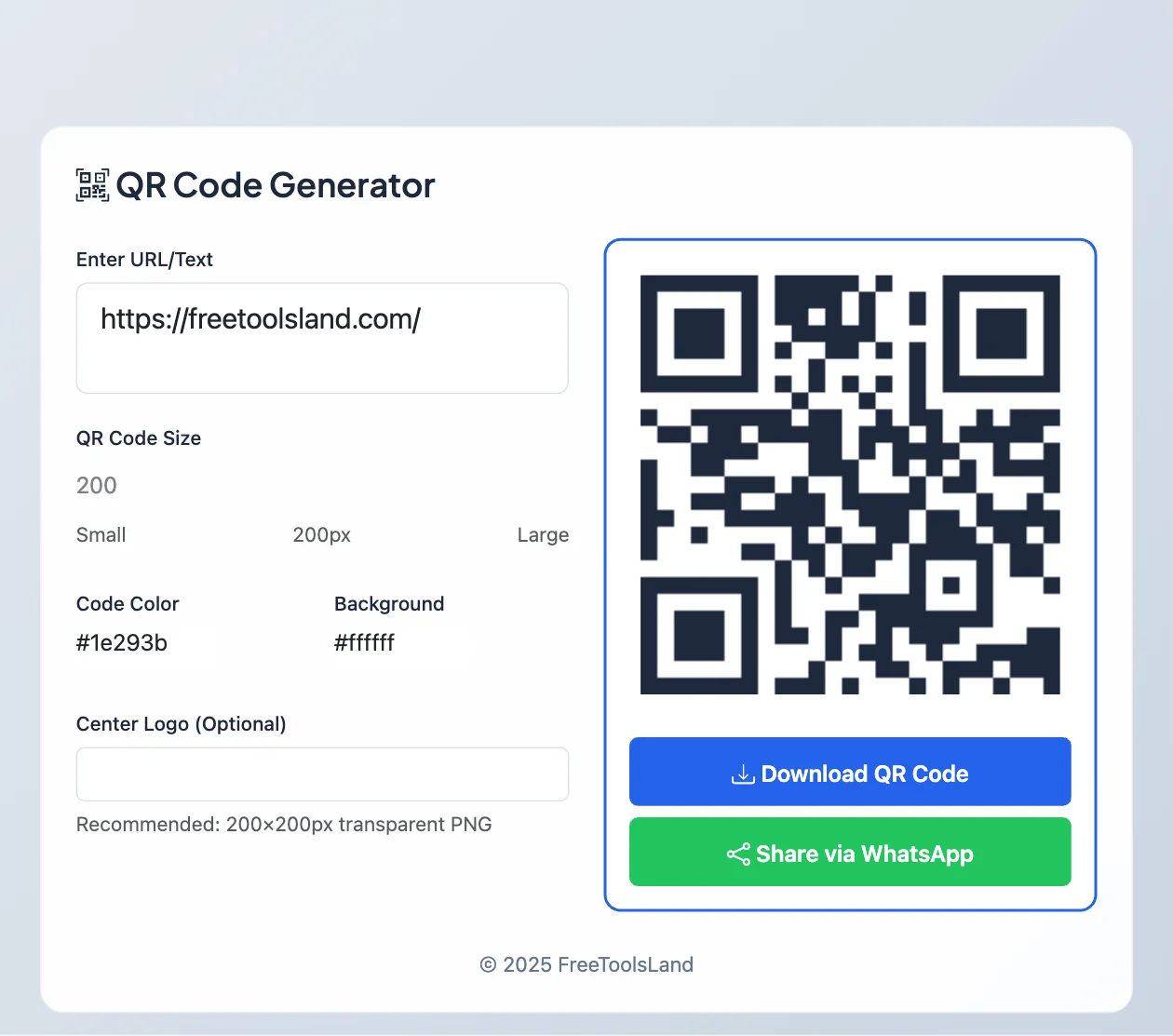
Make a QR code for a website, Wi-Fi network, phone number or any text. Choose the size and colours, add your logo in the centre if you like, and download it as a PNG. Codes never expire because the information is stored in the code itself, not on our server.
How to make a QR code
- Enter a URL or text. For Wi-Fi, phone, email or a contact card, copy one of the formats below.
- Set the size and colours. Optionally upload a centre logo; the code then switches to high error correction so it still scans.
- Download QR Code or share it via WhatsApp, then scan it with your phone camera to test before you print.
QR codes for Wi-Fi, phone, email and contacts
Phones understand a few special text formats. Type one of these in the box (replace the example details) and the code will do more than open a link:
| QR code for | Type this | What happens when scanned |
|---|---|---|
| Wi-Fi network | WIFI:T:WPA;S:MyHomeWiFi;P:mypassword;; | Offers to join the network, no typing |
| Phone call | tel:+919876543210 | Opens the dialler with the number |
mailto:hello@example.com | Opens a new email to that address | |
| SMS | SMSTO:+919876543210:Hello | Opens a text message with the words filled in |
| Location | geo:28.6139,77.2090 | Opens the place in a maps app |
| Website | https://example.com | Opens the page |
For a contact card, paste a short vCard such as BEGIN:VCARD VERSION:3.0 FN:Asha Rao TEL:+919876543210 EMAIL:asha@example.com END:VCARD, with each field on its own line (press Enter between fields).

Tips for QR codes that scan first time
- Size: print it at least 2 × 2 cm, and bigger for posters people scan from far away (about one tenth of the scanning distance).
- Contrast: keep a dark code on a light background. Light-on-dark or pale colours often fail on older phones.
- Quiet zone: leave a clear white border around the code; do not place it right against other graphics.
- Short content: shorter links make simpler codes that scan faster.
- Test the downloaded image with two different phones before printing in bulk.
Error correction: why a QR code still scans when damaged
Every QR code carries extra data that lets a scanner rebuild missing parts. There are four levels, set when the code is made, as DENSO WAVE, the company that invented the QR code, explains:
| Level | Data that can be restored | Use it for |
|---|---|---|
| L | About 7% | Clean screens, small codes with lots of data |
| M | About 15% | Most uses; the usual default |
| Q | About 25% | Printed codes that may get scuffed |
| H | About 30% | Codes with a logo in the middle, outdoor signs |
Higher levels make the pattern denser, so keep the content short (a short URL rather than a long one) when you use H.
How big should a printed QR code be?
A practical rule is to make the code at least one tenth of the distance it will be scanned from: 2.5 cm wide for a business card held at 25 cm, 30 cm wide for a poster read from 3 metres. Leave a blank margin (the “quiet zone”) of about four modules around the code, and print dark on light; inverted codes fail on some phones.
Frequently asked questions
Do these QR codes expire?
No. They are static codes: the link or text is stored in the pattern itself, so they work for as long as the link they point to works. There is no tracking and no subscription.
Will a logo stop my QR code from working?
Not here. When you add a logo, the generator uses the highest error-correction level, which lets a phone read the code even with the centre covered. Always test after downloading.
Can I change where the QR code points later?
No, a static code cannot be edited after printing. If you might change the destination, point the code to a page on your own site that you can update or redirect.
Looking for something else? Browse all our free generators.
Sources
Checked in November 2026:
How to cite this tool
Using this tool for coursework, a report or research? You can cite it like this (APA 7th edition):
Kumar, M. (2026). QR Code Generator [Online tool]. FreeToolsLand. https://freetoolsland.com/qr-code-generator/
Related tools
- Barcode Generator: EAN-13, UPC and Code 128 for products and labels.
- Password Generator: create a strong Wi-Fi password, then share it as a QR code.