
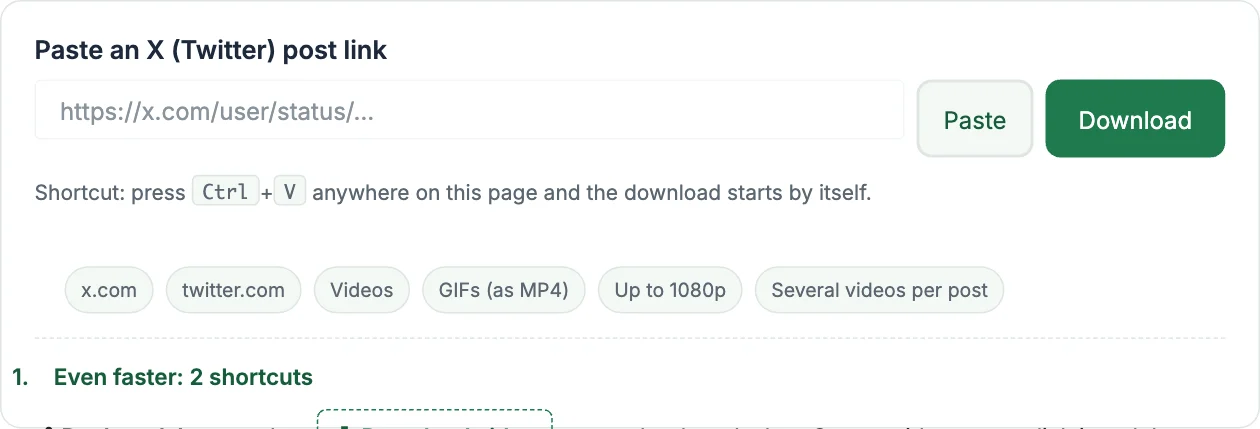
Shortcut: press Ctrl+V anywhere on this page and the download starts by itself.
- x.com
- twitter.com
- Videos
- GIFs (as MP4)
- Up to 1080p
- Several videos per post
Even faster: 2 shortcuts
- Bookmark button: drag ⬇ Download video to your bookmarks bar. On any video page, click it and the video opens here, ready to save.
- Link trick: type
in your address bar and paste the video link straight after it.
Save a video or GIF from any public post on X (formerly Twitter). You get every quality X stores for that video, from small 320p files for messaging up to 1080p.
How to download a video from X
- Open the post on X, tap Share → Copy link.
- Paste the link above, or press Ctrl+V anywhere on this page.
- Choose a quality and tap Download. The top option is the sharpest one.
Which links work
- Post links from
x.com,twitter.comandmobile.twitter.com, with or without?s=…at the end. - Posts with several videos: each one gets its own buttons.
- GIFs: X stores them as short MP4 videos, so they download as MP4.
- Not supported: protected (private) accounts, deleted posts and Spaces audio.
For step-by-step help on every device, read how to download Facebook, X (Twitter) and TikTok videos, including what to do when a post won’t load.
What you can and cannot save from X
The tool can only fetch what anyone can already watch without logging in: videos and GIFs in public posts. It cannot open posts from protected accounts, and it never asks for your X password.
Being able to download a video does not mean you may reuse it. X’s terms leave the rights with the person who posted it, so save videos for personal viewing, or ask the creator before you repost, edit or use one in your own content. Your own uploads are always yours to keep.
Questions
Which quality should I pick?
The first option is the highest quality. Pick a smaller size if you want to share it on WhatsApp or save phone storage.
Why is there no 1080p option?
We show every version X has. If the person uploaded in 720p, 720p is the best available.
Do you store the video?
No. The file goes straight from X’s servers to your device.
Legal note and fair use
FreeToolsLand only provides a technical tool that saves a copy of a video that is already publicly available. We do not host, store, cache, index or recommend any videos, and we do not choose what you download. X and Twitter are trademarks of X Corp. FreeToolsLand is not affiliated with, endorsed by or sponsored by X Corp. Video details are looked up through the public FxTwitter service.
You are responsible for how you use this tool. Only download videos you own, that the creator allows you to save, or that you are otherwise legally allowed to use (for example, for personal offline viewing). Respect copyright and the platform’s terms; do not re-upload, sell or reuse other people’s videos without permission. Rights holders can report misuse through our contact page; see also our Disclaimer and Terms.
Sources
Checked in November 2026:
Related tools
- Facebook Video Downloader: save public Facebook videos and Reels in HD or SD.
- Instagram Video Downloader: Reels and video posts as MP4
- TikTok Video Downloader: save TikToks without a watermark, or as MP3.
- Pinterest Video Downloader: save video Pins as HD MP4
- Snapchat Video Downloader: public Spotlight and story videos
- All-in-one Video Downloader: paste a link from any supported site and it detects the site.
- Best AI video editors (2026): free and paid editors to trim, caption and reframe your clips.
- Video Compressor: shrink a downloaded video for WhatsApp or email
- Video to MP3: keep just the audio of a video