
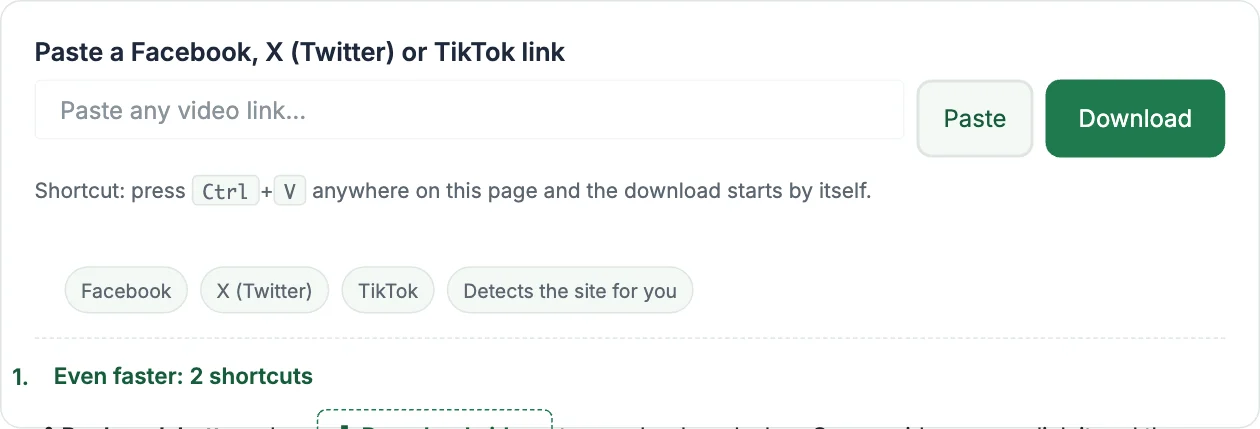
Shortcut: press Ctrl+V anywhere on this page and the download starts by itself.
- X (Twitter)
- TikTok
- Snapchat
- Detects the site for you
Even faster: 2 shortcuts
- Bookmark button: drag ⬇ Download video to your bookmarks bar. On any video page, click it and the video opens here, ready to save.
- Link trick: type
in your address bar and paste the video link straight after it.
Paste a link from Facebook, Instagram, X (Twitter), TikTok, Pinterest or Snapchat and this page works out the site by itself. Each site also has its own page with tips and answers.
Our video downloaders
- Facebook Video Downloader: videos and Reels in HD or SD
- Instagram Video Downloader: Reels and video posts as MP4
- Twitter (X) Video Downloader: videos and GIFs up to 1080p
- TikTok Video Downloader: no watermark, HD and MP3
- Pinterest Video Downloader: video Pins as HD MP4
- Snapchat Video Downloader: public Spotlight and story videos
Free video and audio tools
Once you have the video, these tools work on it right in your browser. Nothing is uploaded.
- Video to MP3 Converter: save the sound as an MP3
- Video Compressor: make a video small enough for WhatsApp or email
- Video Trimmer: keep only the part you need
- Video to GIF Converter: turn a few seconds into a GIF
- MP4 to MP3: keep just the sound of an MP4
- MOV to MP3: audio from iPhone and Mac videos
- WebM to MP3: audio from screen recordings
- MKV to MP3: audio from MKV files
- MP3 to MP4: turn a song and a picture into a video
- Audio Converter: MP3, WAV, M4A and OGG, including WhatsApp voice notes
Not sure where to start? Read our guide on how to download Facebook, X and TikTok videos in HD. It walks through each platform and the common reasons a download fails.
Why YouTube is not included
YouTube’s terms do not allow downloading videos except through YouTube’s own offline feature, so we do not offer a YouTube downloader.
Legal note and fair use
FreeToolsLand only provides a technical tool that saves a copy of a video that is already publicly available. We do not host, store, cache, index or recommend any videos, and we do not choose what you download. Facebook and Instagram are trademarks of Meta Platforms, Inc.; X and Twitter of X Corp.; TikTok of ByteDance Ltd.; Pinterest of Pinterest, Inc.; Snapchat of Snap Inc. FreeToolsLand is not affiliated with any of them.
You are responsible for how you use this tool. Only download videos you own, that the creator allows you to save, or that you are otherwise legally allowed to use (for example, for personal offline viewing). Respect copyright and the platform’s terms; do not re-upload, sell or reuse other people’s videos without permission. Rights holders can report misuse through our contact page; see also our Disclaimer and Terms.
Edit and reuse your videos
- Best AI video editors (2026): free and paid editors to trim, caption and reframe your clips.
- Text to Speech: make a quick voice-over for your video.
- Add Text to Image: create a thumbnail or title card.
What each downloader can save
| Downloader | Works with | Does not work with |
|---|---|---|
| Public videos and Reels | Private groups, friends-only posts and Stories | |
| Reels and video posts from public accounts | Private accounts and expired Stories | |
| X (Twitter) | Videos and GIFs in public posts | Protected accounts |
| TikTok | Public videos | Private and friends-only videos |
| Public video Pins | Pins on secret boards | |
| Snapchat | Public Spotlight videos and public Stories | Private Snaps and chats |
None of the downloaders ask you to log in, and none can open private content. Save videos for personal viewing, and ask the creator before reposting.