
Turn a moment from a video into an animated GIF for a chat, a slide or a website. Choose the start time and length, pick the size and smoothness, and tap Make GIF. Your video is processed inside your browser with ffmpeg, the same open-source engine many video apps use. It is not uploaded to our server, so private clips stay private.
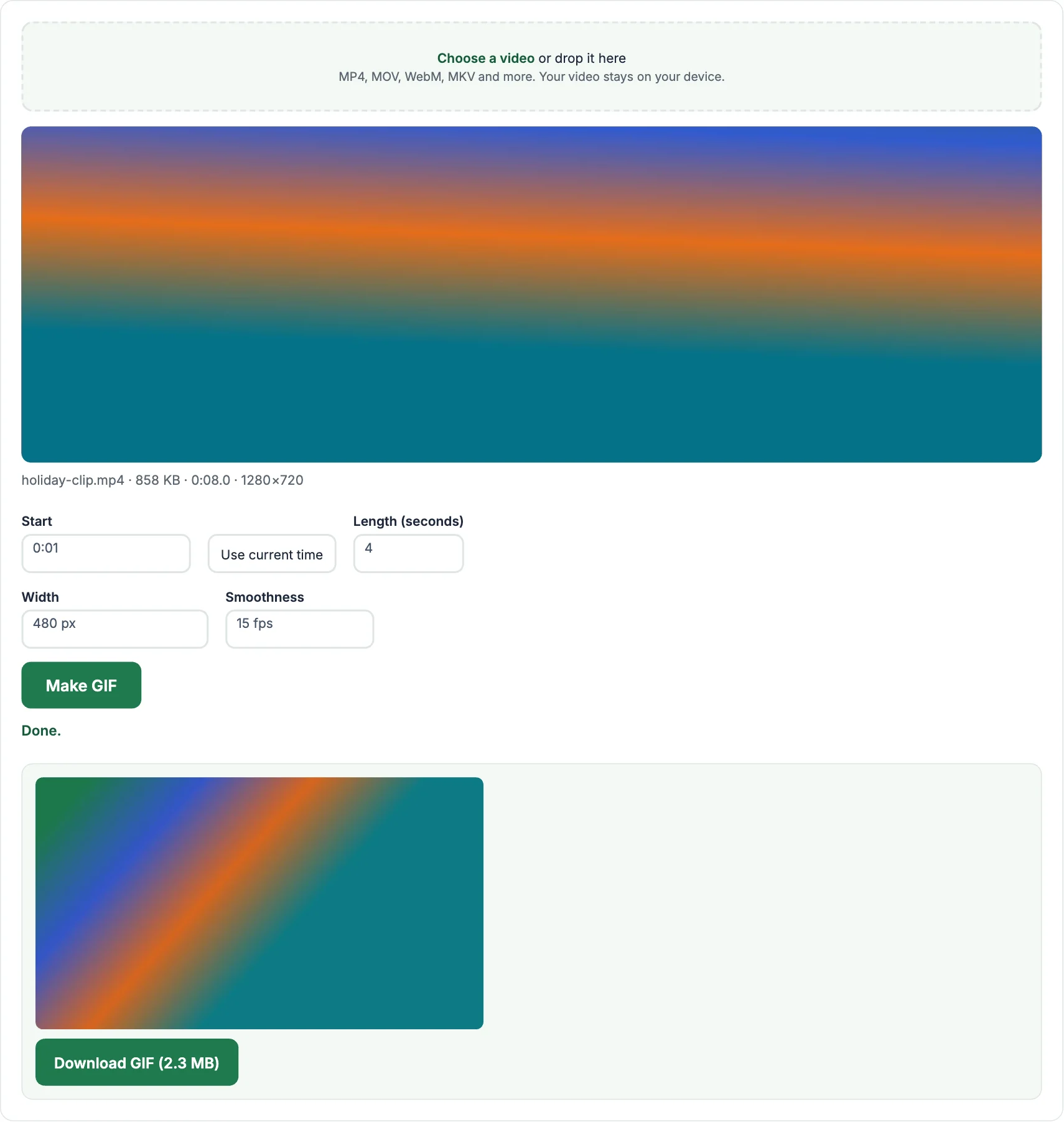
How to make a GIF from a video
- Tap Choose a video and pick the file.
- Play the video, pause where the GIF should begin and tap Use current time. Set the length in seconds (up to 15).
- Choose the width and smoothness, tap Make GIF, then tap Download GIF.
Keeping GIFs small
- GIFs are much bigger than videos, so keep them short. Three to six seconds is ideal.
- 480 px wide at 15 fps works well for chats and websites; use 320 px for the smallest file.
- Scenes with less movement and fewer colours make smaller GIFs.
Frequently asked questions
How long can the GIF be?
Up to 15 seconds. Longer GIFs get very large and load slowly, so a short clip is usually better.
Why is my GIF bigger than the video?
The GIF format is old and stores every frame as an image with up to 256 colours. That is why short and small GIFs work best.
Can I make a GIF on my phone?
Yes. Open this page in your phone browser and pick a video from your gallery.
Is there a watermark?
No. The GIF is yours, with no logo added.
More free video tools
- Video to MP3: extract the sound as an MP3
- Video Compressor: make a video file smaller
- Video Trimmer: cut a clip out of a video
- Video Downloader: save public videos from Facebook, Instagram, X, TikTok, Pinterest and Snapchat
- MP3 to MP4: turn a song and a picture into a video
- Audio Converter: convert between MP3, WAV, M4A and OGG