
Make a video file smaller so it fits WhatsApp, email, a form upload or your phone storage. Pick a resolution and quality, tap Compress video, and see how much smaller the new file is before you download it. Your video is processed inside your browser with ffmpeg, the same open-source engine many video apps use. It is not uploaded to our server, so private clips stay private.
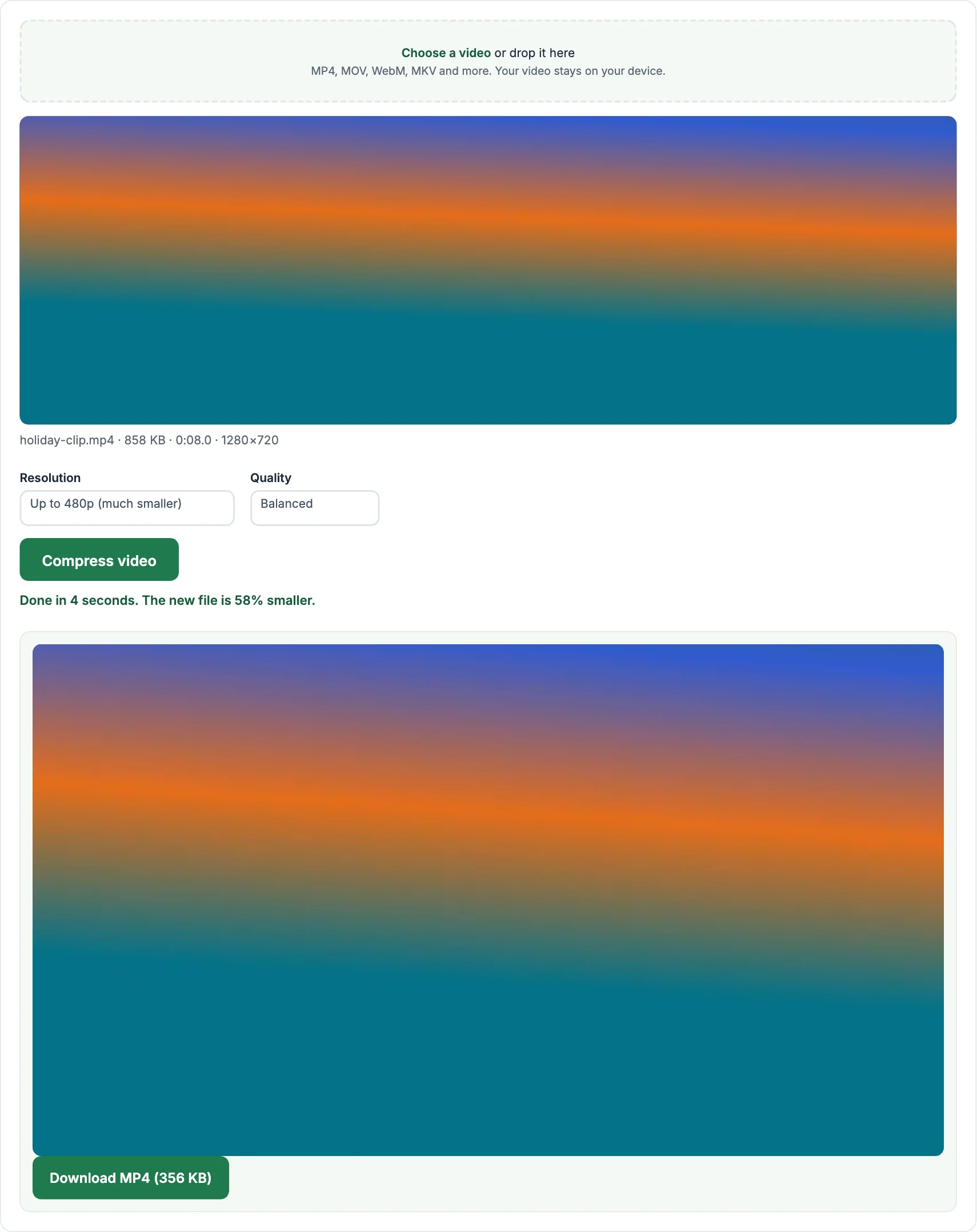
How to compress a video
- Tap Choose a video and pick the file.
- Choose a resolution. 720p keeps good quality for most uses; 480p or 360p makes a much smaller file for messaging.
- Choose a quality, tap Compress video and wait for the progress bar. Then compare the size and tap Download.
How much smaller will my video be?
Phone videos are often recorded at 1080p or 4K with a very high bitrate, so they usually shrink a lot. A typical one-minute 1080p phone video of 100–150 MB often becomes 10–25 MB at 720p Balanced, and smaller again at 480p. Screen recordings and videos that were already compressed shrink less.
Tips for the best result
- For WhatsApp, 480p Balanced is usually plenty and sends quickly.
- For uploading to a website with a size limit, start with 720p Balanced; if it is still too big, try 480p or Small file.
- Compressing takes about as long as the video plays, sometimes longer on older phones. Shorter clips finish faster, so trim first if you only need part of it.
Frequently asked questions
Does compressing a video reduce quality?
A little, because detail is removed to save space. At 720p Balanced most people cannot see a difference on a phone screen.
Is there a file size limit?
There is no fixed limit, but very large files (over about 500 MB) can run out of memory in a browser, especially on phones. A computer handles big files better.
Is my video uploaded to your server?
No. The video is compressed on your own device and never leaves it.
Which format do I get?
An MP4 file with H.264 video and AAC audio, which plays on almost every phone, computer and website.
Is there a watermark?
No. We never add a watermark or logo.
More free video tools
- Video to MP3: extract the sound as an MP3
- Video Trimmer: cut a clip out of a video
- Video to GIF: turn a clip into a GIF
- Video Downloader: save public videos from Facebook, Instagram, X, TikTok, Pinterest and Snapchat
- MP3 to MP4: turn a song and a picture into a video
- Audio Converter: convert between MP3, WAV, M4A and OGG