
MOV is the video format iPhones, iPads and Macs record in. This converter pulls the sound out as an MP3 (or M4A or WAV), whether it is a voice memo you filmed, a live song or a talk. Everything happens inside your browser with ffmpeg, the open-source engine behind many video apps. Your file is not uploaded to our server.
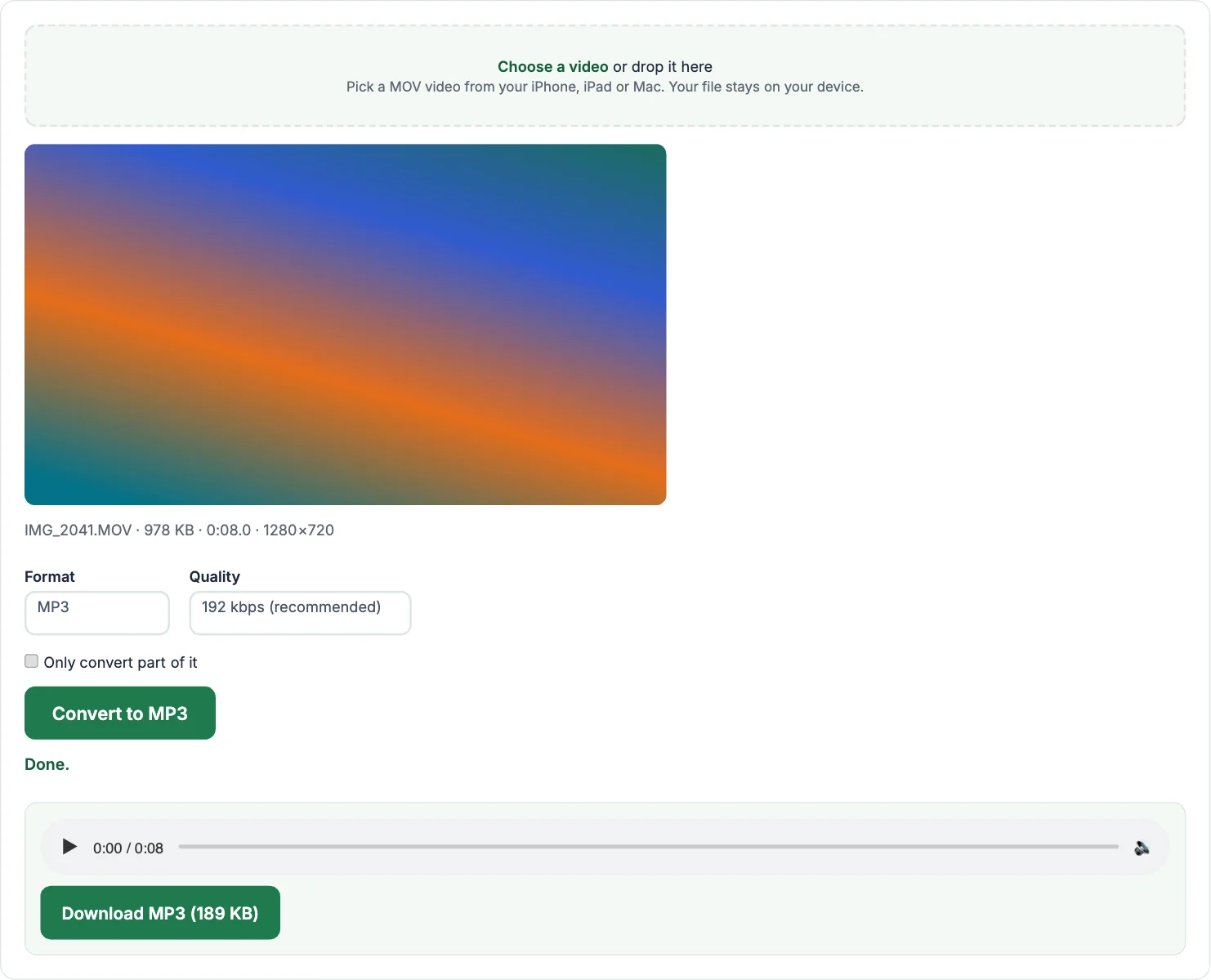
How to convert MOV to MP3
- Tap Choose a video and pick your MOV file. On iPhone, choose it from Photos; on a Mac, from your Movies or Downloads folder.
- Leave the format on MP3 and pick the quality. 192 kbps is right for most music; 128 kbps is plenty for speech.
- Tap Convert to MP3, play the preview, then tap Download MP3.
Convert only part of the video
Tick Only convert part of it, play the video to the moment you want, and tap Use current time for the start and the end. You can also type times like 1:05. Handy for saving one song from a long recording, or a single answer from a lecture.
MP3, M4A, WAV or OGG?
- MP3 plays on everything: phones, car stereos, old MP3 players. Pick this if you are not sure.
- M4A (AAC) sounds a little better than MP3 at the same size and is the native format on iPhone and in iTunes.
- WAV is uncompressed. Use it for editing in Audacity, GarageBand or a video editor. Files are about 10 MB per minute.
- OGG is an open format used by some games, Android and Linux apps.
Frequently asked questions
Why is my iPhone video a MOV file?
Apple saves video in the QuickTime MOV container. Inside, the audio is usually AAC, which converts to MP3 cleanly.
Should I pick M4A instead of MP3?
If you will play it on Apple devices, M4A keeps the original quality and works everywhere Apple does. Pick MP3 if you need it to play on any device.
Is there a file size limit?
No fixed limit. Very large files, roughly over 500 MB, can run out of memory in a phone browser; a computer handles them better.
Is it really free?
Yes. No sign-up, no watermark and no limit on how many files you convert.
More free audio and video tools
- Video to MP3: any video to MP3, M4A, WAV or OGG
- MP4 to MP3: pull the audio out of an MP4
- WebM to MP3: screen recordings and browser downloads
- MKV to MP3: audio from MKV files
- MP3 to MP4: turn audio and a picture into a video
- Audio Converter: convert between MP3, WAV, M4A and OGG
- Video Compressor: make a video file smaller
- Video Trimmer: cut a clip out of a video