
Base64 Decoder/Encoder
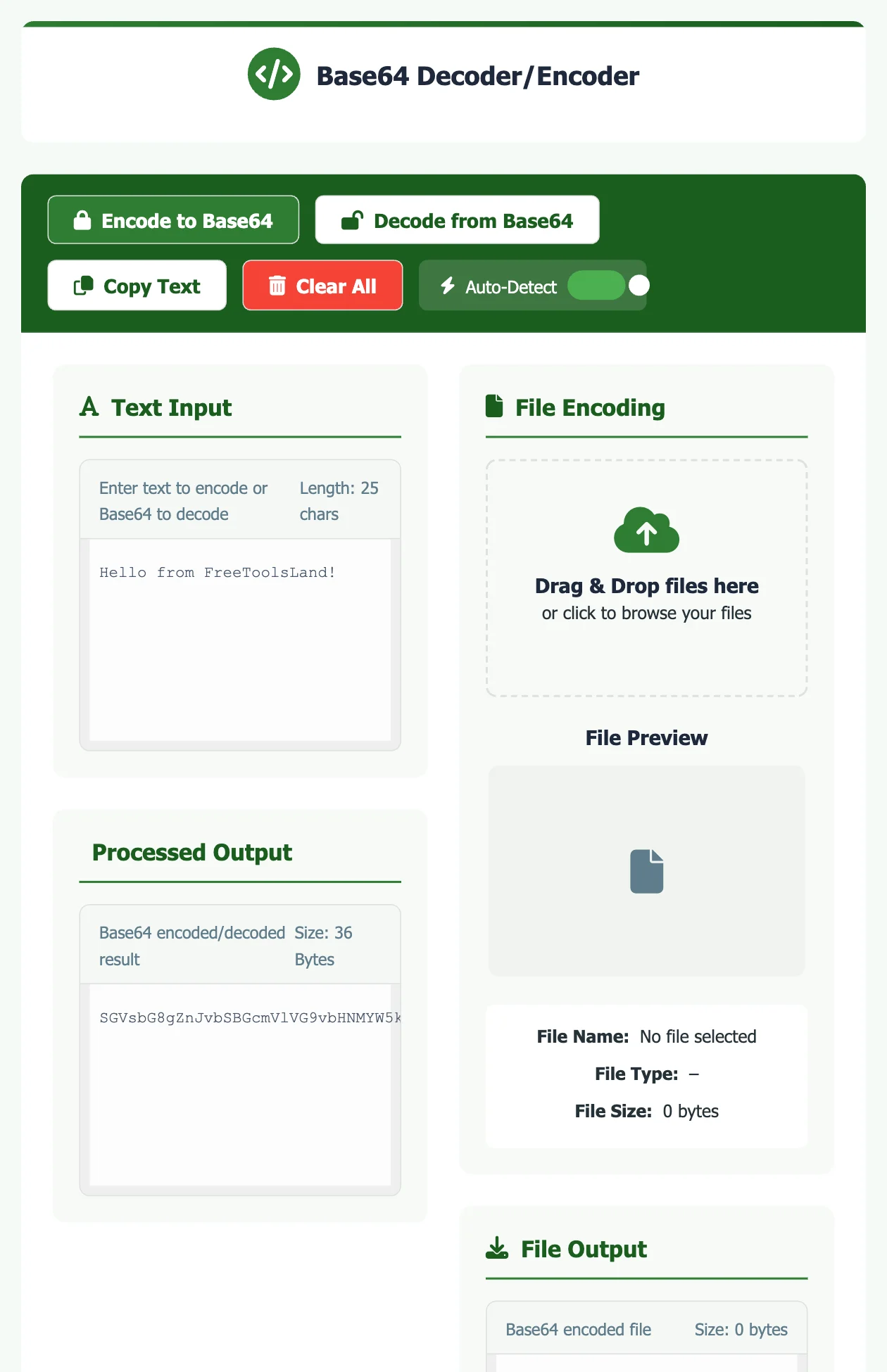
Text Input
Processed Output
File Encoding
Drag & Drop files here
or click to browse your files
File Preview
File Output
Text Encoding
Encode any text to Base64 format for safe transmission in environments that require plain text.
Text Decoding
Decode Base64 strings back to their original text format with accurate character encoding.
File Encoding
Convert images, documents, and other files to Base64 for embedding in web pages or CSS.
Secure Processing
All encoding and decoding happens locally in your browser – no data is sent to any server.
Decode Base64 back to readable text, or encode text and files to Base64. The decoder accepts standard and URL-safe Base64 (with - and _), works even when the = padding is missing, and handles Unicode text such as Hindi, accents and emoji. Everything runs in your browser.
How to decode or encode Base64
- Paste your text into Text Input.
- Click Decode from Base64 to turn a Base64 string back into text, or Encode to Base64 to do the opposite.
- Copy the result. For images and other files, drop the file in File Encoding, then copy or download its Base64.
Examples (tested with this tool)
| Input | Action | Result |
|---|---|---|
aGVsbG8gd29ybGQ= | Decode | hello world |
aGVsbG8gd29ybGQ (no padding) | Decode | hello world |
PDw_Pz4- (URL-safe) | Decode | <<??>> |
| नमस्ते 👋 café | Encode | 4KSo4KSu4KS44KWN4KSk4KWHIPCfkYsgY2Fmw6k= |
What Base64 is used for
Base64 writes any data, including images and binary files, using only 64 safe characters (A–Z, a–z, 0–9, + and /). That lets data travel through systems built for text: email attachments, data URLs in HTML and CSS (data:image/png;base64,…), JSON APIs, and the header and payload of JWT login tokens. Encoding makes the data about 33% larger.
Base64 is not encryption. Anyone can decode it, so never use it to hide passwords or personal data.
Why Base64 makes data about a third bigger
Base64 turns every 3 bytes of data into 4 printable characters, using only A–Z, a–z, 0–9, + and /, as defined in RFC 4648. So encoded data is about 33% larger than the original: a 30 KB image becomes about 40 KB of Base64 text. Padding with = at the end makes the length a multiple of 4.
That overhead is why Base64 is good for small things that must travel as text (an email attachment, a small icon inside CSS, a token in a URL) and a poor choice for large files.
Frequently asked questions
Why does my decoded text look like random symbols?
The Base64 probably holds a file (an image, PDF or ZIP), not text. Decoded binary data looks like gibberish. Check the start of the string: iVBOR is usually a PNG, /9j/ a JPEG and JVBER a PDF.
What is URL-safe Base64?
A variant that replaces + with - and / with _ and usually drops the = padding, so it can go in web addresses and file names. JWT tokens use it. This decoder accepts both forms automatically.
How do I decode a JWT?
A JWT has three parts separated by dots. Paste the first or second part (the header or payload) here and decode it to see the JSON inside, then tidy it with the JSON Formatter. The third part is a signature and does not decode to text.
Looking for something else? Browse all our free text and developer tools.
How do I decode Base64?
Paste the Base64 text into the box above and choose Decode. The tool also accepts the URL-safe alphabet (- and _ instead of + and /) and text with the = padding missing.
Is Base64 encryption?
No. Anyone can decode it. It only changes how data is written, so never use it to hide passwords or personal data.
Sources
Checked in November 2026:
How to cite this tool
Using this tool for coursework, a report or research? You can cite it like this (APA 7th edition):
Kumar, M. (2026). Base64 Decode & Encode Online [Online tool]. FreeToolsLand. https://freetoolsland.com/base64-decoder-and-encoder/
Related developer tools
- JSON Formatter: format and validate the JSON you decode.
- Text Compare: compare two decoded values.